Your LinkedIn profile is often the first thing an investor, recruiter, journalist or prospective client sees about you before a meeting. In Lagos, Abuja, Port Harcourt or anywhere else in Nigeria, that first look is usually a quick scroll on a phone. If it is thin, outdated or vague, you lose the opportunity before you ever speak.
These LinkedIn profile tips go section by section, so you can fix your profile in one sitting. They are written for Nigerian executives, founders, consultants and job-switchers, and every platform instruction is based on LinkedIn’s own Help Centre rather than hearsay.
We are the WritersCo team. We have been writing for founders and professionals since 2021, and the same pattern shows up again and again: people know what they do, but their profile does not say it clearly. Let’s fix that.
- Treat your profile as a landing page: clear photo, a headline that says who you help, and an About section that ends with a next step.
- Prove it with specifics: real roles, real outcomes you can verify, and recommendations from people who worked with you.
- Keep it current and consistent, so the profile matches your CV, website and what you say in meetings.
- 1. Start with a clear, professional photo
- 2. Add a background image that supports your message
- 3. Rewrite your headline to say who you help
- 4. Write an About section for a reader, not a recruiter robot
- 5. End your About section with a call to action
- 6. Use your Experience section to show outcomes, not duties
- 7. Add media samples to your roles
- 8. Add and curate relevant skills
- 9. Claim a clean custom profile URL
- 10. Ask for recommendations from people who can be specific
- 11. Ask for a revision when a recommendation is vague
- 12. Keep the story consistent everywhere
- 13. Edit sections one by one, then review on mobile
- 14. Match your profile to the audience you want
- 15. Post occasionally so the profile is alive
1 Start with a clear, professional photo
LinkedIn’s Help Centre says a good profile photo increases the credibility of your profile, and that members with a profile photo receive up to 2X more profile views. Use a recent, well-lit photo of you alone, with your face clearly visible and a plain background. Skip group shots, logos, and cropped wedding photos.
LinkedIn says members with a profile photo receive up to 2X more profile views. It is the cheapest upgrade on this list.
2 Add a background image that supports your message
The banner is free real estate. LinkedIn notes you can add a background image to personalise your profile. Use it for your company name, a one-line promise, or a clean image of you speaking. Avoid stock images that say nothing.
3 Rewrite your headline to say who you help
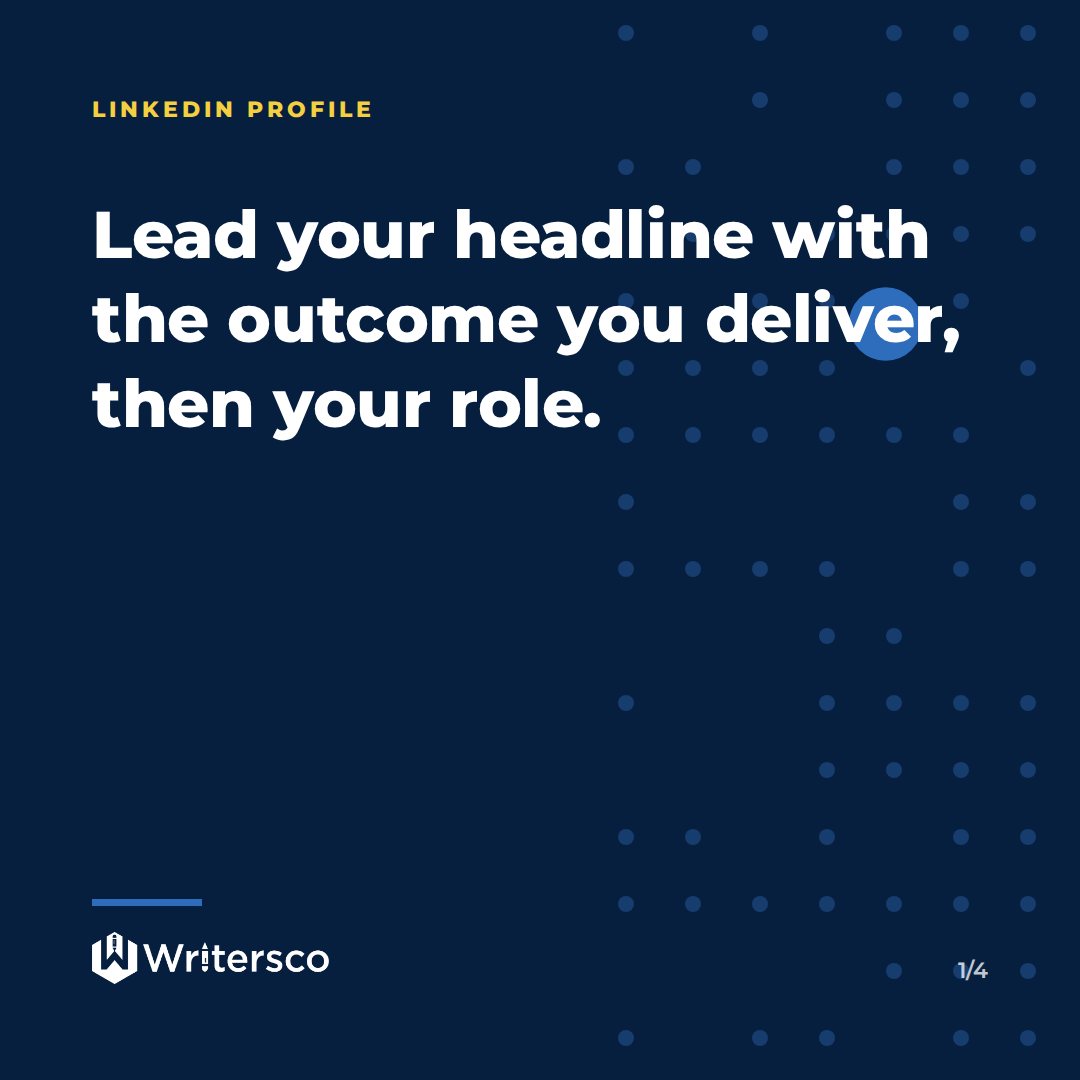
Your headline is created from your current position by default, but LinkedIn says you can rewrite it to promote an area of expertise or let your personality shine. “CEO at XYZ Ltd” tells people your title. “CEO at XYZ Ltd | Helping Nigerian SMEs get paid faster” tells them why you matter. Lead with the outcome, then your role.
4 Write an About section for a reader, not a recruiter robot
LinkedIn describes the About section as the place to express your mission, motivation and skills, and suggests keeping it to one or two paragraphs. Open with the problem you solve, show how you solve it, and end with how to reach you. Write in the first person and keep your sentences short.
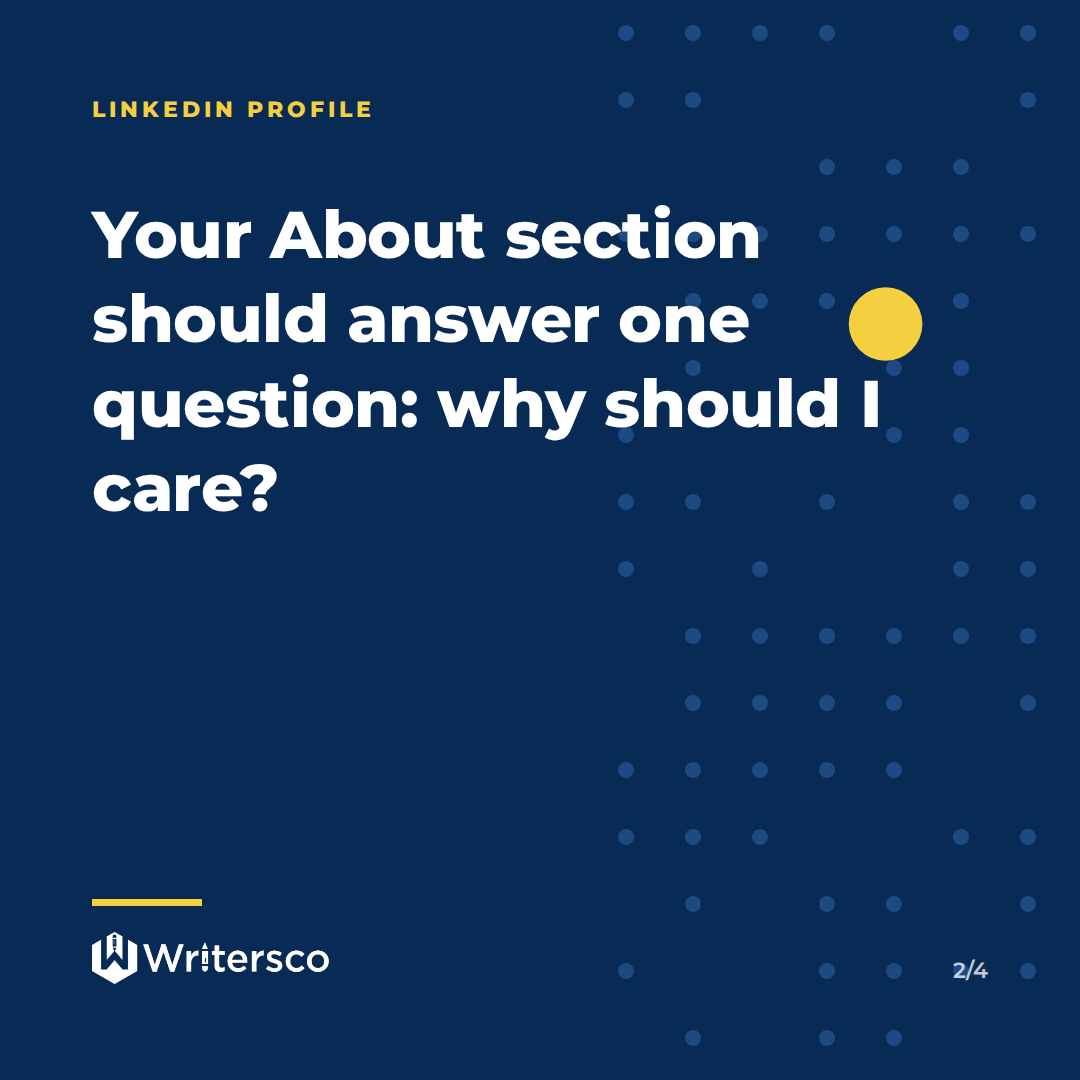
Your About section is not your biography. It is the answer to the question every visitor silently asks: why should I care?
The WritersCo team5 End your About section with a call to action
Tell visitors what to do next: email you, book a call, or visit your website. A profile without a next step is a dead end. One line is enough, such as “To discuss speaking or advisory work, email me at the address below.”
6 Use your Experience section to show outcomes, not duties
LinkedIn advises that you keep your profile updated with the experience that aligns with your current goals. For each role, lead with what changed because you were there. Only include numbers you can defend. If you cannot prove a figure, describe the work in plain words instead.
7 Add media samples to your roles
The same Help page notes that you can add media samples to give quick access to your work portfolio. Link your company site, a published interview, a deck, or a case study. Anyone who doubts you can check for themselves.
8 Add and curate relevant skills
LinkedIn says a list of relevant skills helps you showcase your abilities to colleagues and recruiters. Put the skills you want to be hired or booked for at the top. Remove the ones that no longer reflect your work.
- Photo is recent, clear and just you
- Headline names who you help, not only your job title
- About section ends with a next step
- Every role shows what you achieved
- Skills match the work you want more of
- Custom profile URL is set
- Contact details are correct
9 Claim a clean custom profile URL
A tidy URL looks better on business cards, email signatures and slides. Per LinkedIn, you can create or edit your custom public profile URL from Me, then View Profile, then Edit public profile & URL. LinkedIn also says you can change it up to five times within six months, so choose carefully.
10 Ask for recommendations from people who can be specific
LinkedIn lets you ask connections to write a recommendation from the Recommendations section of your profile. Ask former managers, colleagues, partners and clients, and remind them of the project you worked on together. A specific recommendation does more for you than ten generic ones.
- Click Me, then View profile.
- Scroll to Recommendations and click the plus icon.
- Choose Ask for recommendation.
- Pick the connection, set the relationship and position, and send.
11 Ask for a revision when a recommendation is vague
If someone writes something too general, you do not have to accept it as is. LinkedIn explains how to request a revision of a recommendation you received, with a personal message about what to add. Keep the tone polite and specific.
12 Keep the story consistent everywhere
Check that your title, company name and bio match your website, speaker bios and press mentions. Journalists and clients cross-check. Mismatched titles raise questions you do not want to answer.
13 Edit sections one by one, then review on mobile
LinkedIn’s guide to editing your profile says to open Me, View Profile, then click the edit icon beside the section you want to change. After saving, open your profile on your phone. Most Nigerian users will see it there first, so long paragraphs and cluttered lines show up fast.
LinkedIn’s instructions for editing the About section are simple: open your profile, click the edit icon beside About, and save. No tools needed.
14 Match your profile to the audience you want
A CEO courting investors, a coach attracting clients and a graduate hunting for a job need different profiles. Decide who you want to reach, then tune the headline, About section and Featured items to that reader. A profile that speaks to everyone persuades no one.
15 Post occasionally so the profile is alive
A strong profile gets people interested; fresh posts keep them there. Share a lesson from your work, a view on your industry, or a short story from a project. Consistency matters more than volume, and posts give people a reason to visit your profile again.
Do you do it yourself or get help?
DIY
Best when you have time and enjoy writing about yourself. – You know your story best – Low cost – Risk: the profile stays modest or vague
With a writer
Best when you are busy or find it hard to describe your own work. – An outside view pulls out your strongest points – Consistent voice across profile and posts – Faster turnaround
If you are a pastor, executive or founder with a full diary, a writer can turn your career into a profile that reads well. Our ghostwriting pricing guide explains how we think about cost for longer-form work, and if your story deserves a whole book, see how to write and publish a book as a Nigerian founder.
Frequently Asked Questions
How often should I update my LinkedIn profile?
Update it whenever your role, results or goals change, and review it at least a few times a year. LinkedIn advises keeping your profile updated with experience that matches your current career goals.
Should I write my LinkedIn About section in the first person?
Yes, for most people. First person reads as more personal and direct, and it lets you speak to the visitor.
How long should my LinkedIn About section be?
LinkedIn suggests one or two paragraphs. Keep it brief enough to read on a phone without scrolling forever.
Can I change my LinkedIn custom URL?
Yes. LinkedIn says you can change it up to five times within six months, and the previous URL stays linked to you for six months unless you unlink it.
Do recommendations really matter?
They give outsiders proof from people who have worked with you. Ask for specific ones, and request revisions when a recommendation is too vague.
Let the WritersCo team turn your experience into a profile that attracts the right clients, investors and opportunities.
Get your LinkedIn profile rewritten